
See a new look on your own face first
Try On is the MaxxLook feature for previewing a hairstyle, brow shape, makeup look or beard on your own front photo before a haircut or a purchase. Today you can browse the look catalog; renders on your own photo are not switched on yet and will arrive in an app update. Every render will be an AI-generated image, labeled in the app as a rendering. It shows a look, not a prediction of results, and it never changes your scores.
What you can try
Try On covers four kinds of look: hair, brows, makeup and beard. Browse the catalog for free, or ask Ask Maxx for a suggestion and open it straight in Try On. Renders on your own photo are not switched on yet; until they are, Try On shows the catalog’s reference images.
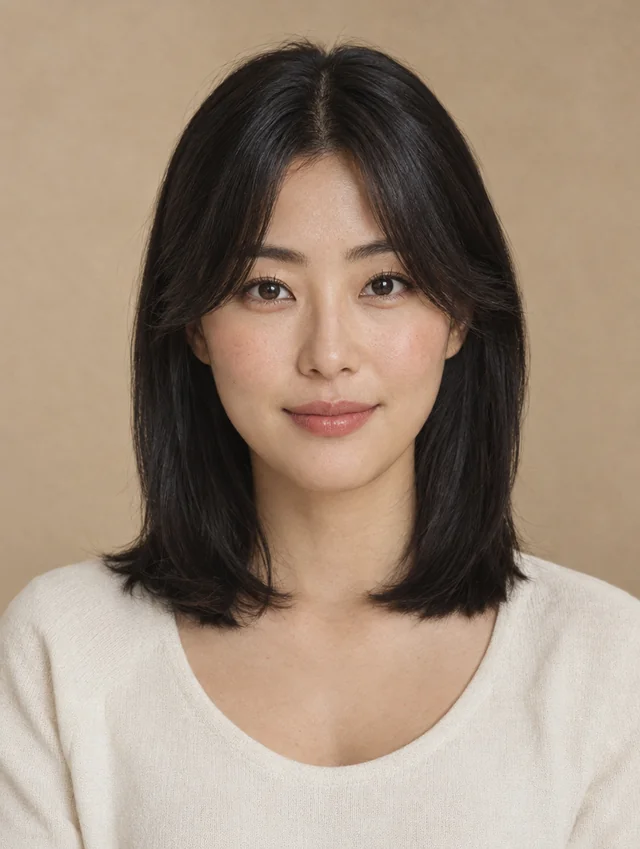 Curtain bangs
 Long layers
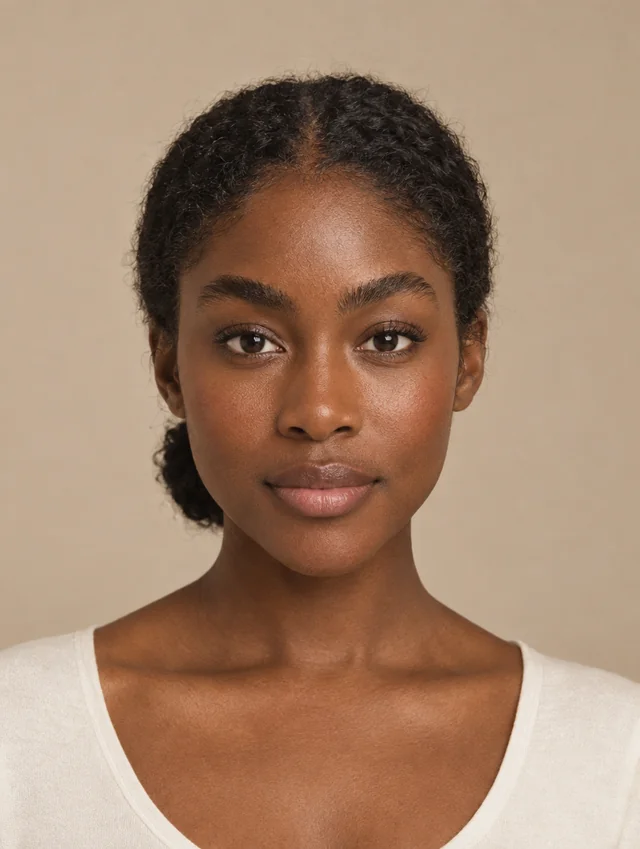 Bold brow
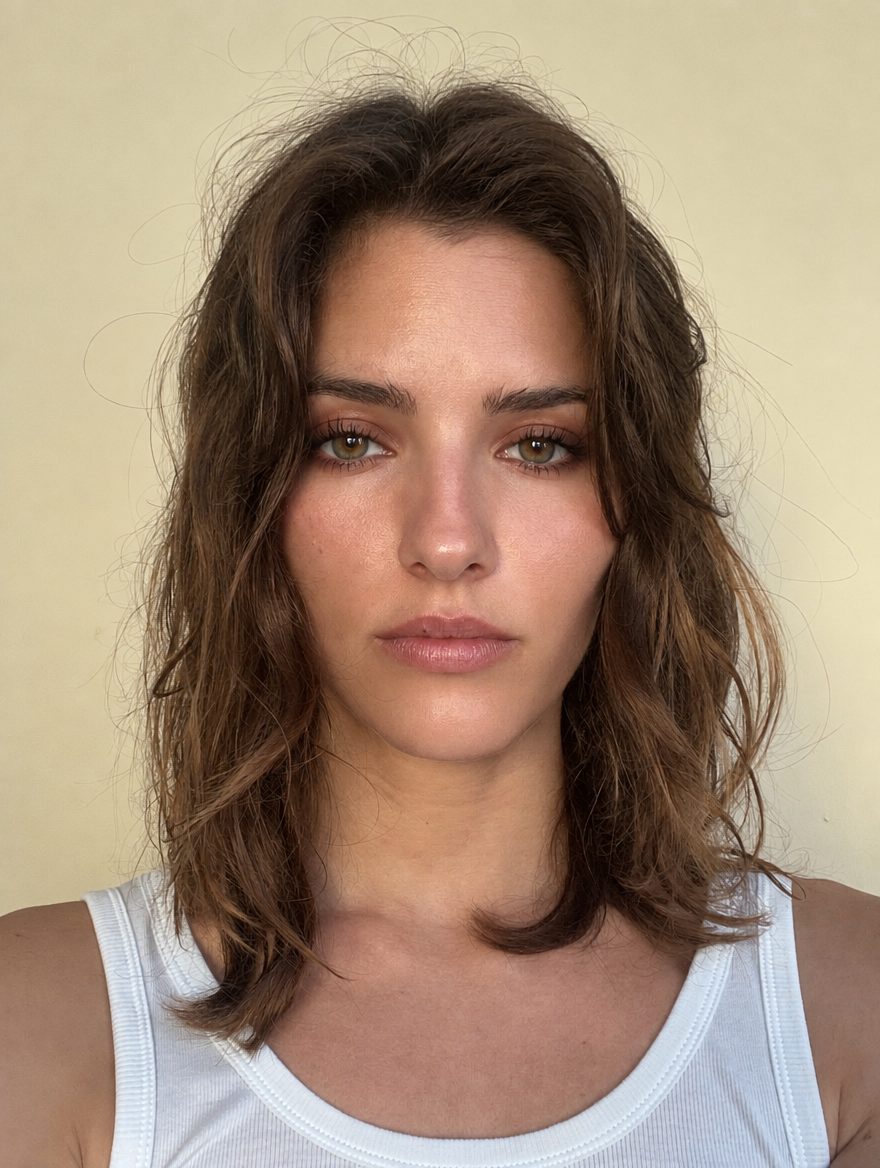 Smoky eye
 Boxed beard
 Light stubble
How Try On will work
- Pick a look from the catalog, or open one that Ask Maxx suggested.
- Give Try On its own permission. It is separate from the consent for your analysis.
- MaxxLook sends your front photo to the image-generation provider, which renders the look on it.
- Compare the rendering with your photo, save the looks you like and take them to your stylist.
Renders will be limited per day, and you will be able to delete them from Settings at any time. Until renders are switched on, no photo is sent anywhere for Try On.
Your photo and your consent
Try On runs only after you give it a separate yes inside the app, because your front photo leaves MaxxLook’s servers to make a rendering. Without that consent the screen shows reference photos, never a faked render. The privacy policy names the provider and says exactly what it receives, and you can withdraw consent and delete your renders in Settings.
How to read a rendering
- It is an AI rendering, tagged “Rendered” in the app, not a photograph.
- It is a preview of a look, not a promise of the result.
- It never changes your scores and is never used as an “after” on Progress.
- Hair isn’t measured from photos, so a hairstyle is judged by comparing it side by side, which is what Try On is for.
Not sure which looks suit your proportions? Read how to choose a hairstyle for your face.
What is free and what needs membership
Browsing the Try On look catalog is free. Renders on your own photo will be part of membership once they are switched on. See pricing for the full comparison.
Common questions
Is Try On free?
Browsing the Try On look catalog is free. Renders on your own photo are not switched on yet; when they are, they will be part of membership, which is $9.99 a month.
Does Try On change my score?
No. Try On renderings never feed a score, and they are never used as an “after” photo in Progress.
Is a Try On rendering what I will actually look like?
No. It is an AI-generated preview of a look on your photo, labeled as a rendering. It is not a prediction of how a haircut, color or product will turn out on you.
Where does my photo go when I use Try On?
Nowhere yet: renders are not switched on, so Try On sends no photo today. Once they are, your front photo will go to MaxxLook’s image-generation provider only after you give Try On its own consent. The privacy policy names the provider and what it receives, and you will be able to delete renders from Settings at any time.