
See what could make the biggest difference.
MaxxLook analyzes your face from six angles, builds a personalized plan, and helps you verify what changed.
170+ measurements → your top opportunities → one plan you can test.
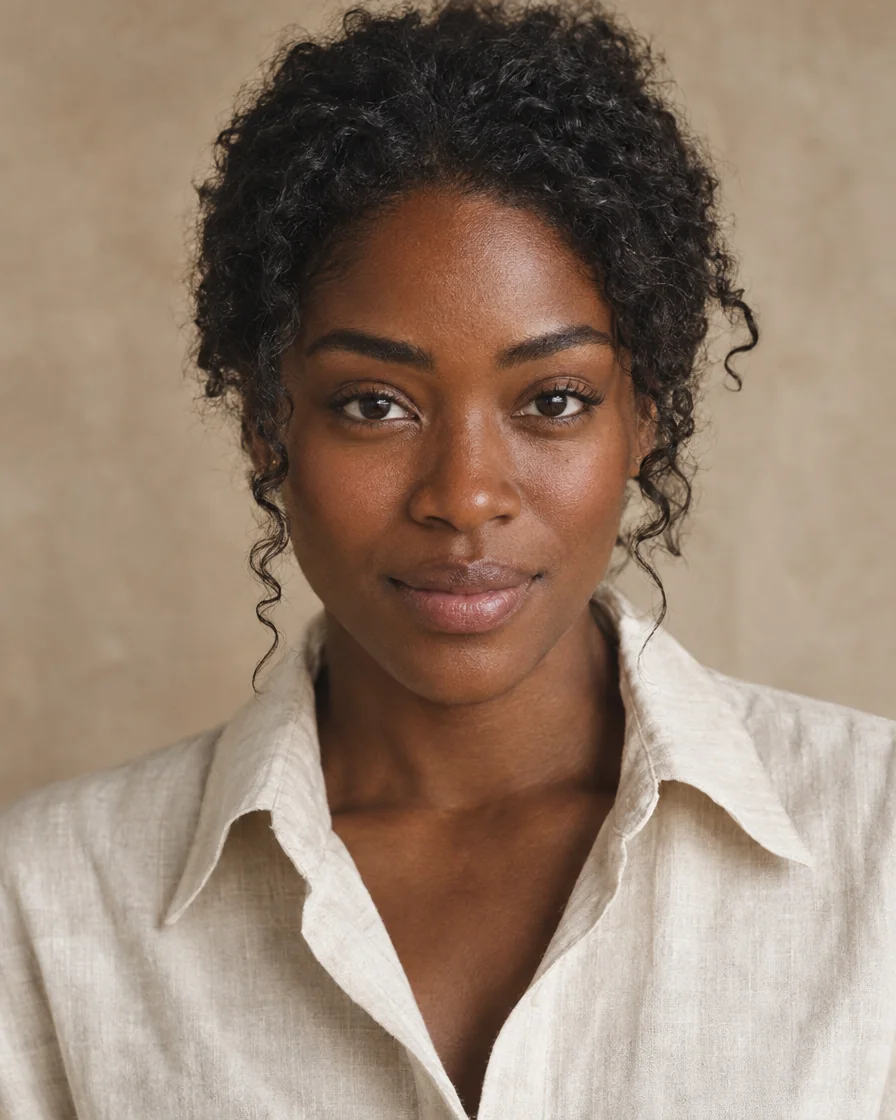
What is MaxxLook?
MaxxLook is an iPhone app for personalized beauty analysis. You take six guided photos and it measures your face, gives you an overall score and area scores, ranks the changes most worth testing, and builds a daily plan. You can browse hair, brow, makeup and beard looks in Try On, ask an assistant, Ask Maxx, and re-scan to see what changed.
- iPhone (iOS)
- Adults 18+
- Free first scan
- Membership $9.99/month
Three steps. One honest loop.
You take a few photos and MaxxLook shows you what to try first. You test the changes, take another photo, and MaxxLook measures what it can and helps you compare the rest. See exactly what gets measured.
- 01Free
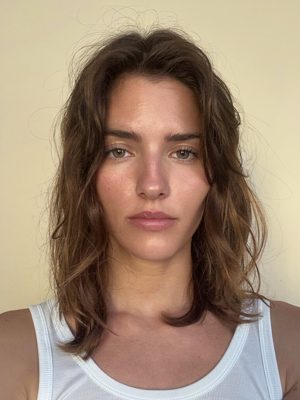
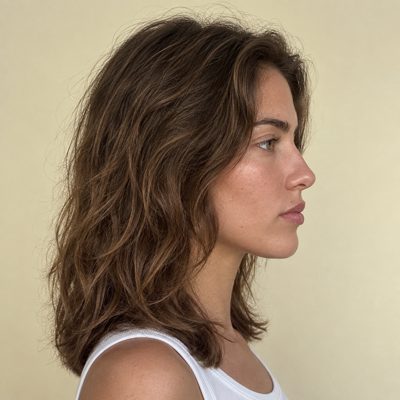
Scan six angles
Front, quarter and profile views, guided on screen with a face outline so every scan lines up with the last. Your first scan is free.

- 02
See where the biggest differences are
An overall score, area scores and your top opportunities, ranked. Each one says what we noticed, what to try, what not to do, and how we’ll check.
- 03
Test it, then re-check
Follow a daily plan, take another photo, and see what actually moved. A change below the noise floor is reported as within noise, never rounded up.
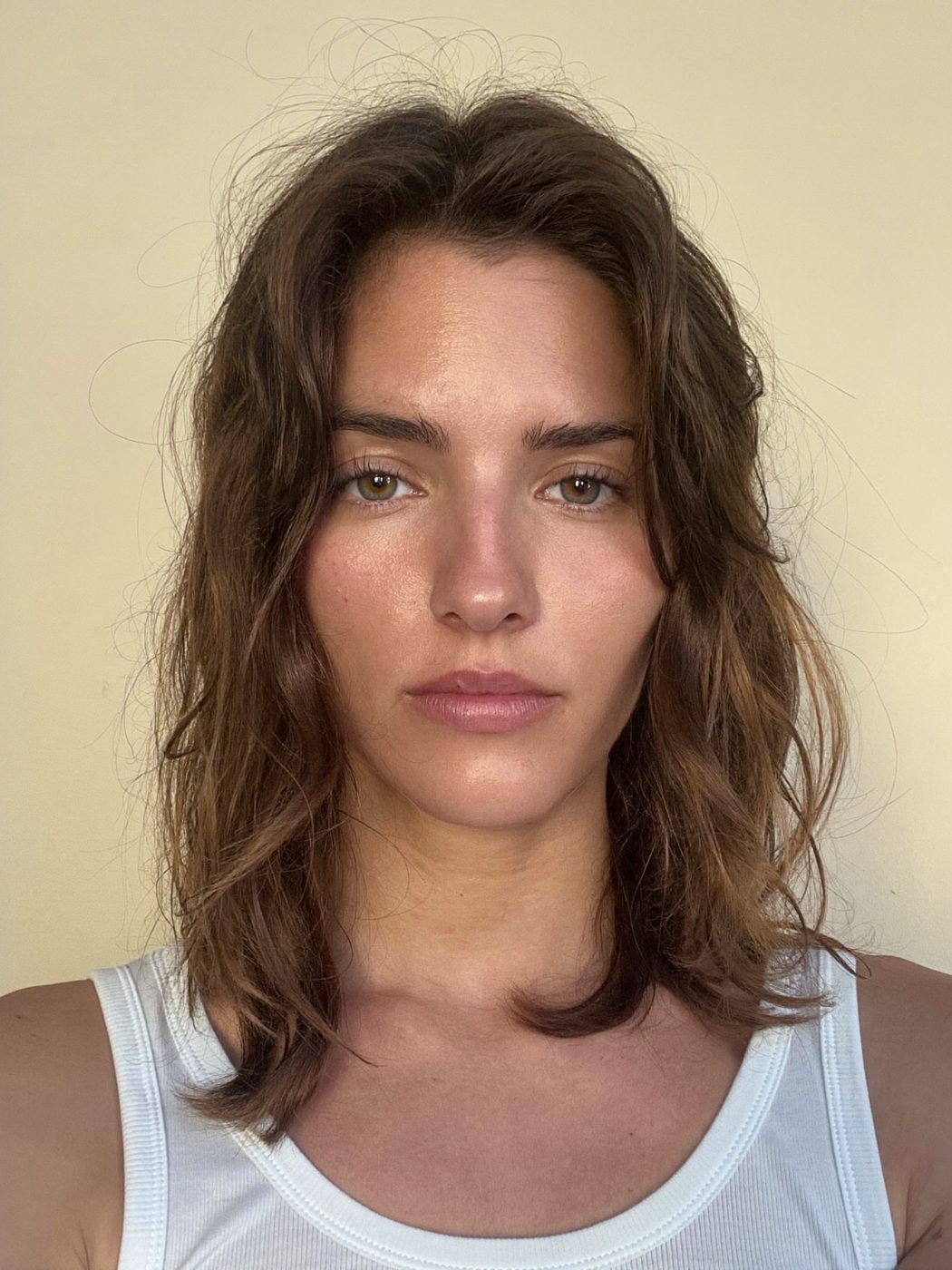
Nine areas. An honest reading each.
Every score is a reading of your own photos against a reference range measured from real photographs. Areas we can’t score from a photo, like hair, makeup and, for now, skin, say so instead of guessing.
You have strong facial symmetry and high potential. Here’s your full analysis and your biggest opportunities.
- Face shape90
Balanced thirds with a slightly longer lower face.
- Eyes88
Well-proportioned, with balanced spacing.
- Overall harmony87
Your features sit in proportion to each other.
- Jaw & structure86
Defined jaw with even sides.
- Brows84
Full and natural. The left sits slightly lower.
- Smile81
Warm and natural. Corners lift slightly unevenly.
- SkinUnscored
Measured, not scored yet. Skin reference ranges are still being built.
- HairUnscored
Not measured from photos. Try a look in Try On.
- Makeup styleUnscored
Not assessed from photos. Ask Maxx for looks.
Ranked by what could move most.
Not a list of flaws. The smallest realistic changes with the largest likely effect, each with the reason, the how-to, and the way we’ll check whether it worked.
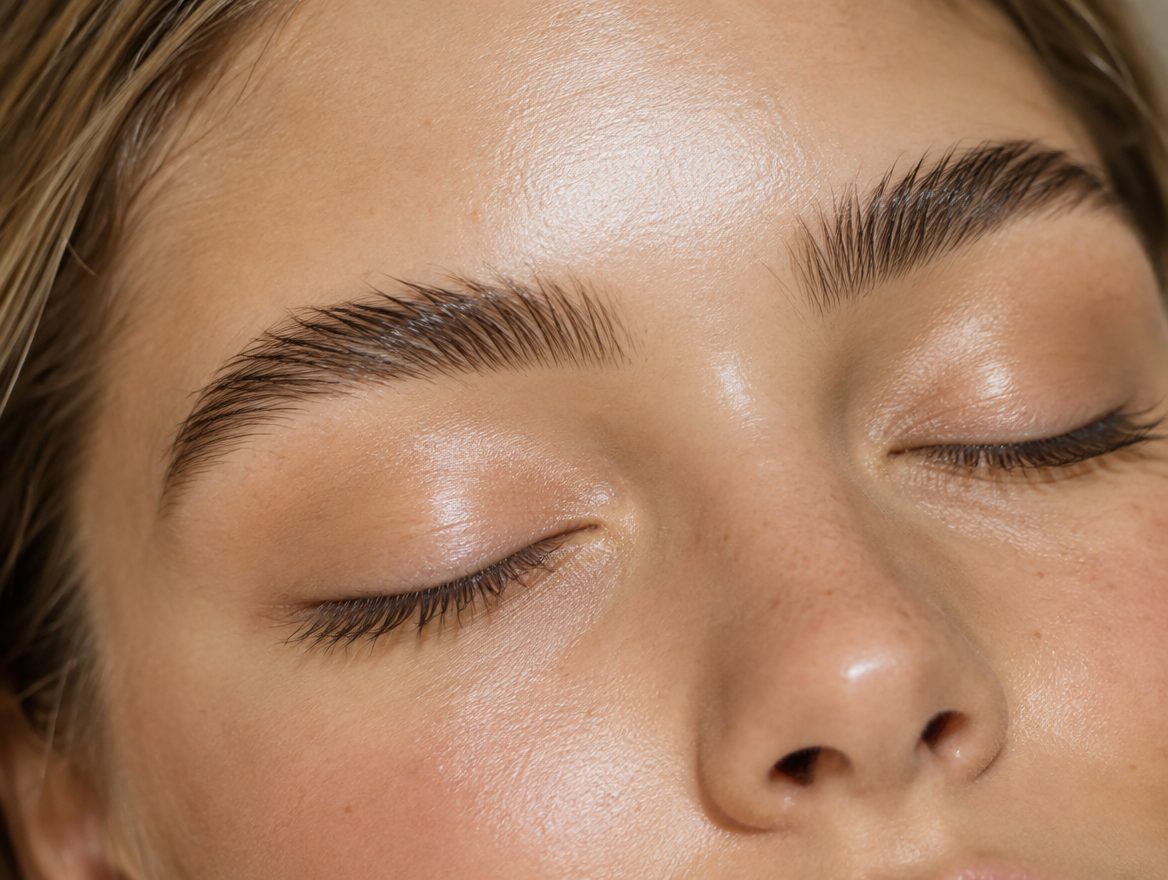
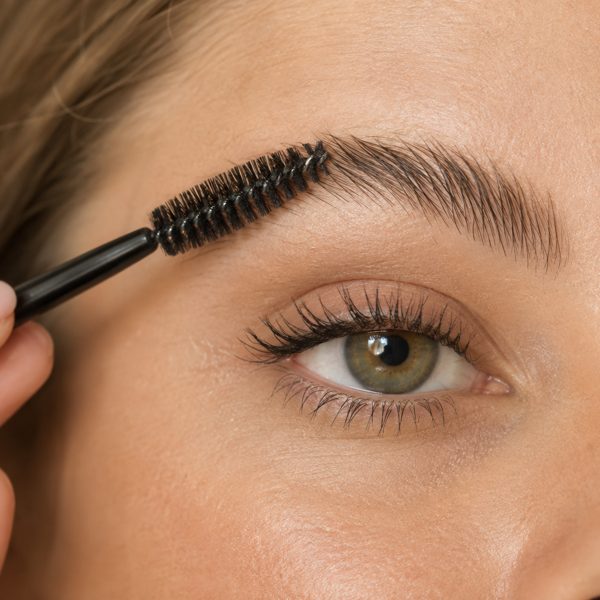 Brows1High impact · Easy
Lift the outer half of your brows
- What we noticed
- Your brows are full and natural, and the left sits a touch lower than the right. A slightly higher arch at the outer third would open your eyes and balance the two sides.
- Try this
- Shape from the lower edge of the outer third only, and brush the tails up and out with a clear gel.
- How we check
- Measured. A quick style check shows whether your brow height evened out.
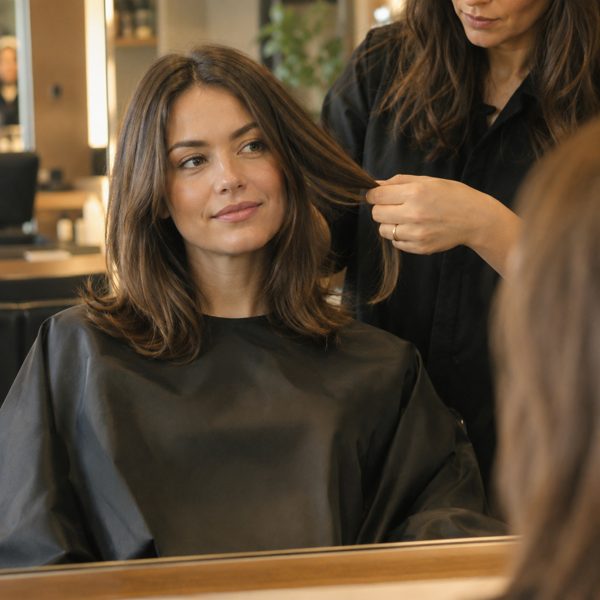 Hair2High impact · Next cut
Make your face look a little shorter and wider
- What we noticed
- Your face reads slightly long from the front, which is why styles that add height on top exaggerate it. Fullness at the sides and less height on top makes it read shorter and wider.
- Try this
- Ask for volume through the sides and temples and keep the top low. Compare looks in Try On first.
- How we check
- Compared. Hair isn’t measured from a photo, so this one is a side-by-side you judge.
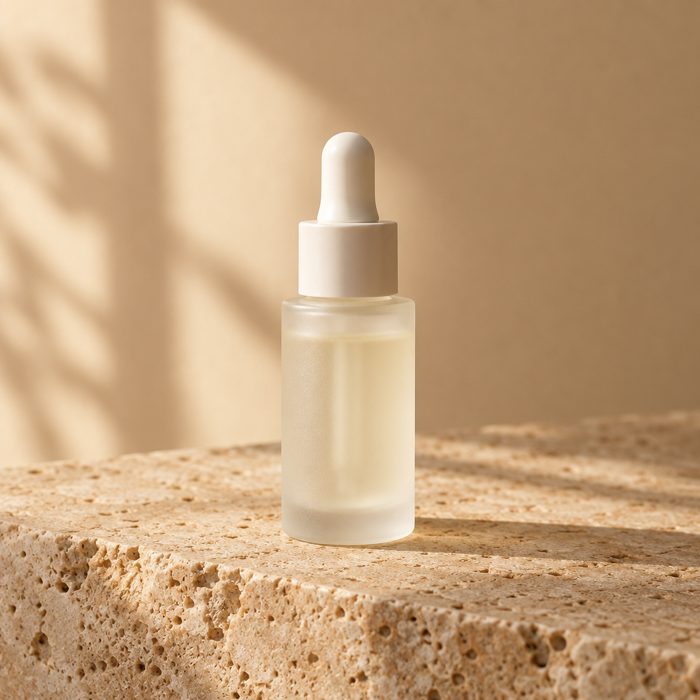 Skin3Medium impact · Weeks
Make facial redness less noticeable
- What we noticed
- Redness reads a little above your other skin readings, mostly across the cheeks. Your texture and clarity are already strong, so evening the tone is the change that shows most.
- Try this
- Daily SPF, a gentle cleanser, and a niacinamide serum in the evening. Nothing new on the same day.
- How we check
- Measured. Weekly skin checks track redness against your own baseline, noise-gated.
See it on you before you commit.
Hair, brows, makeup and beard looks to browse today. Previews on your own front photo are not switched on yet; they arrive in an app update. How Try On works.

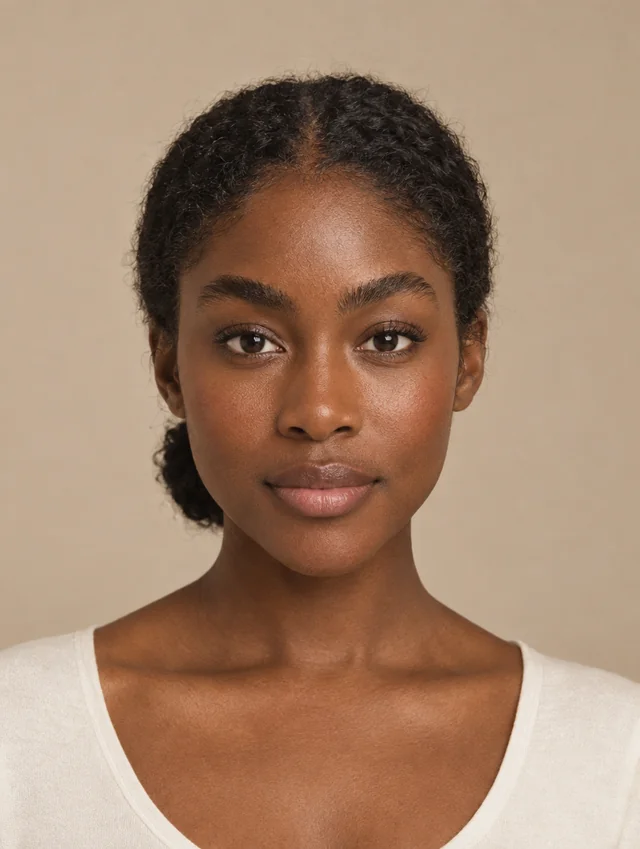
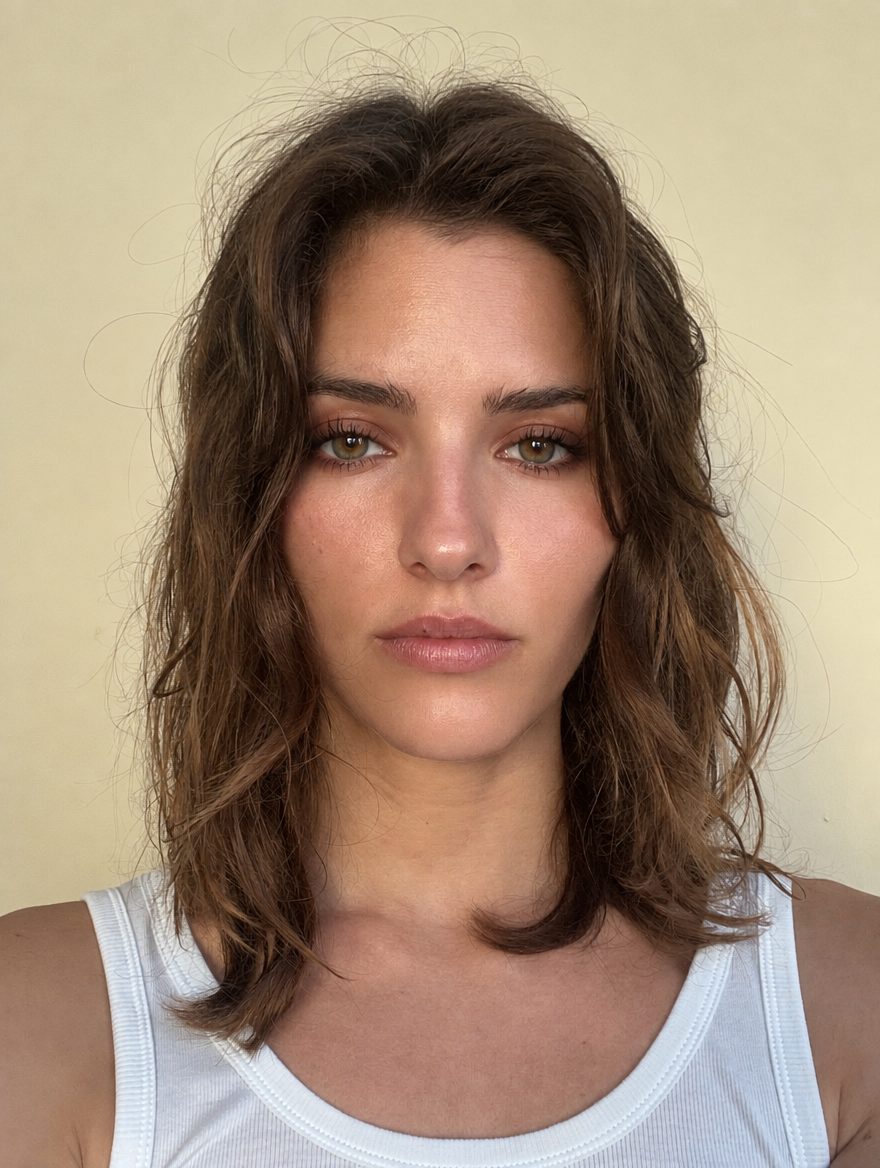

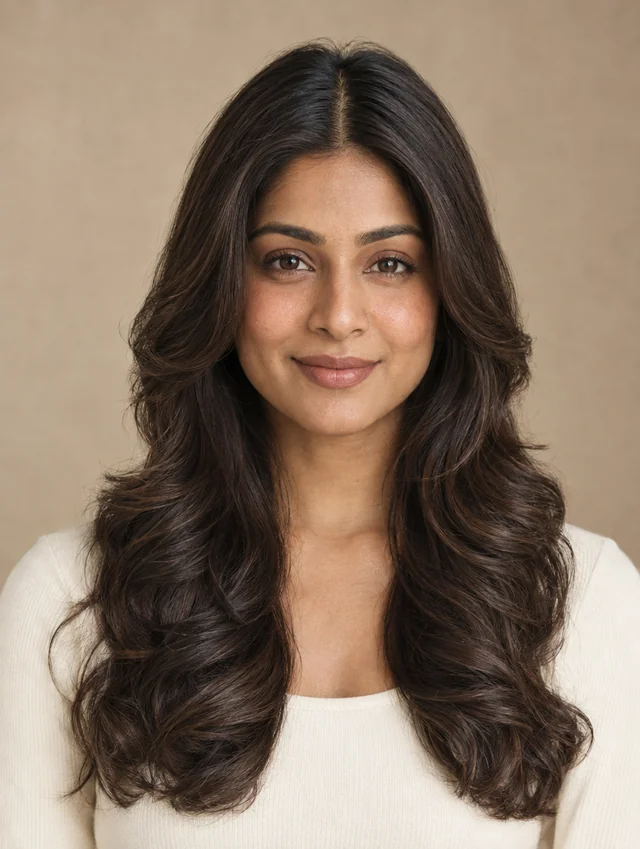
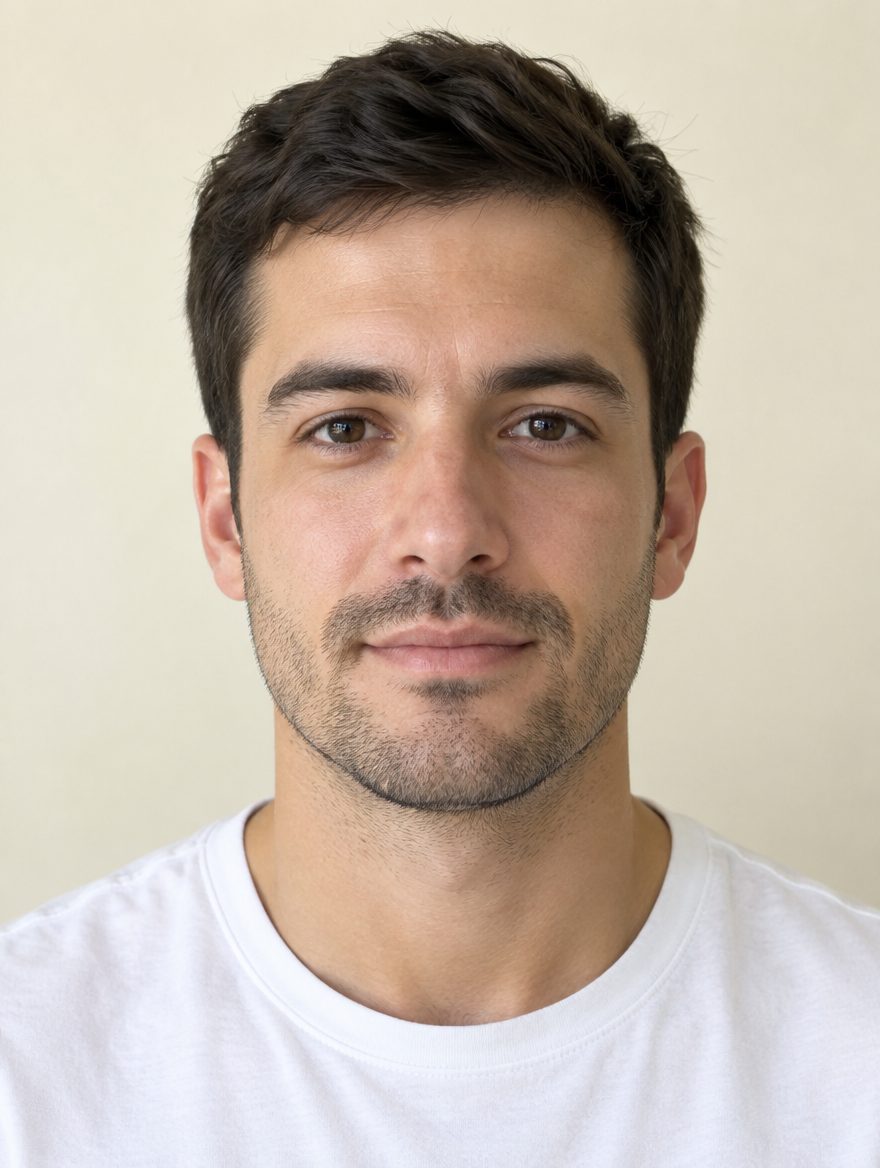
Looks curated by category, not a trend feed.
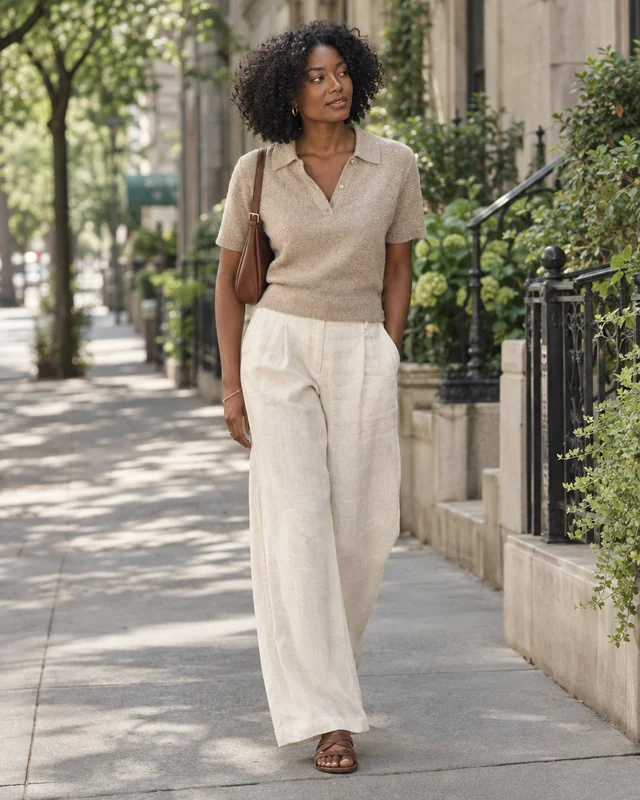
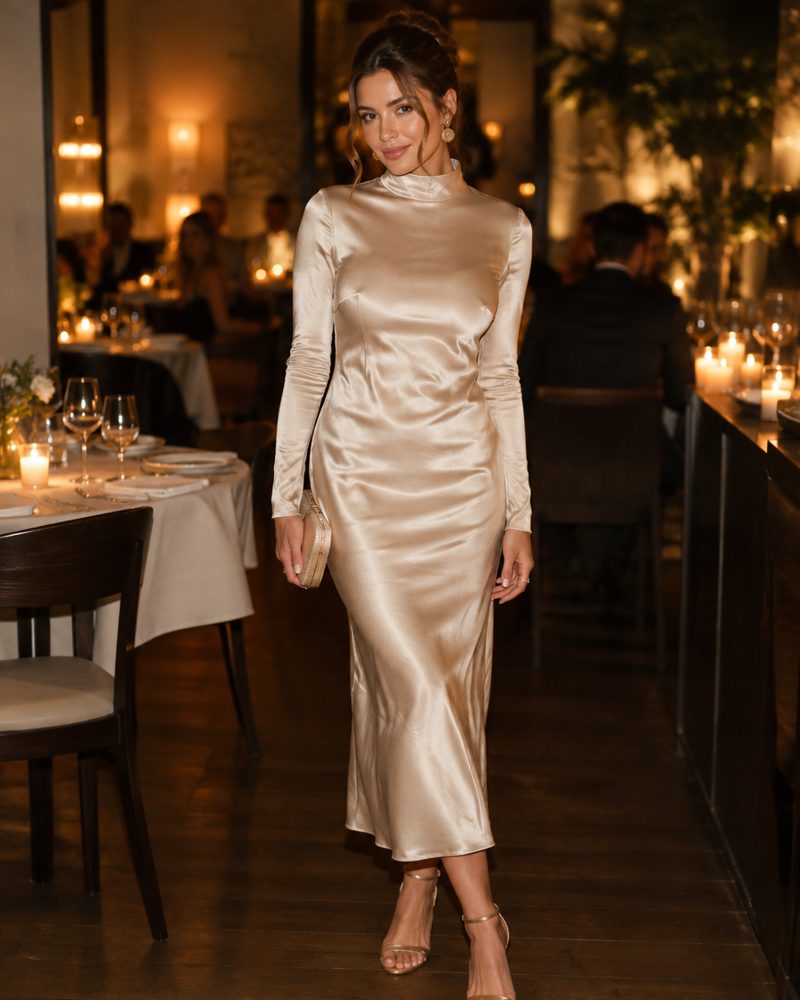
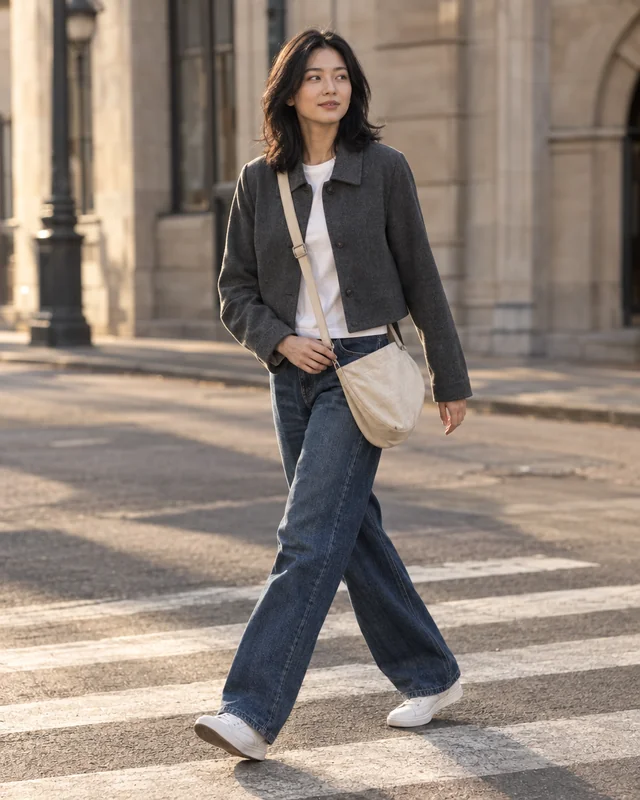
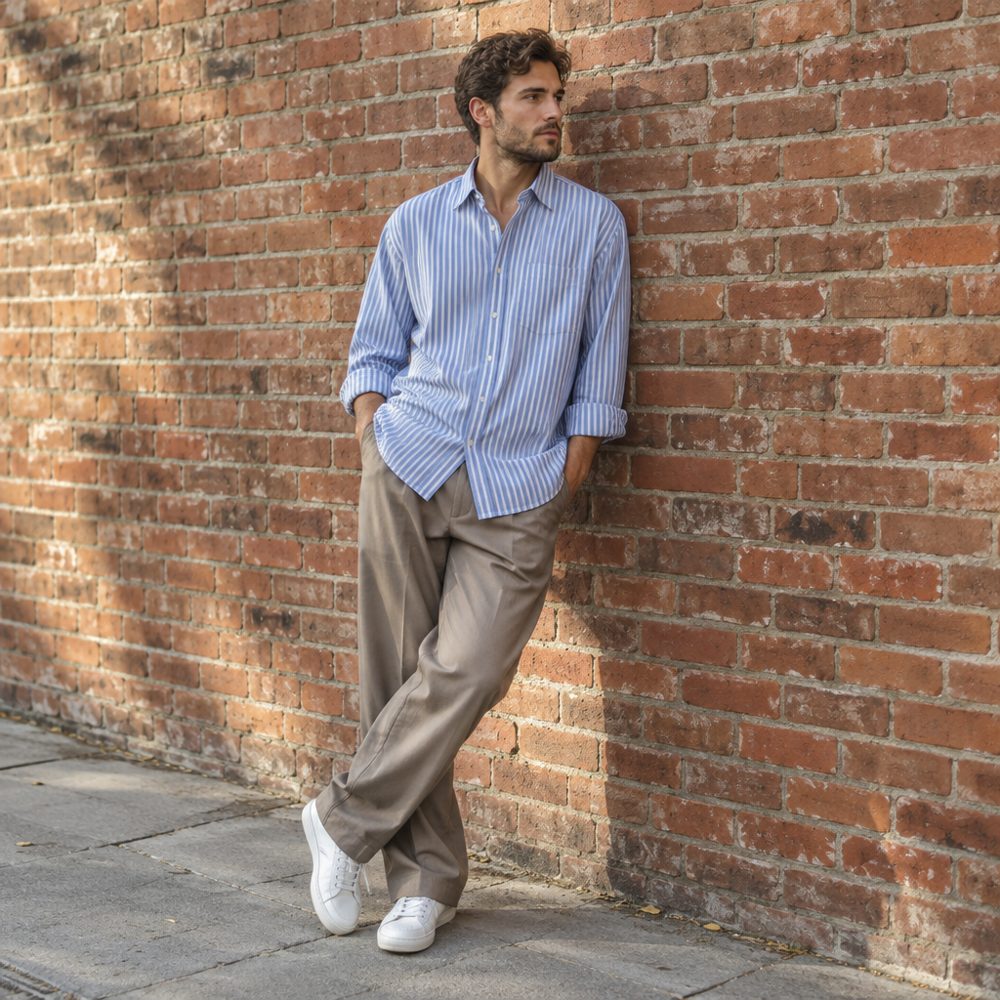
Casual, date-night and street looks to browse by category, for ideas to bring to your stylist.


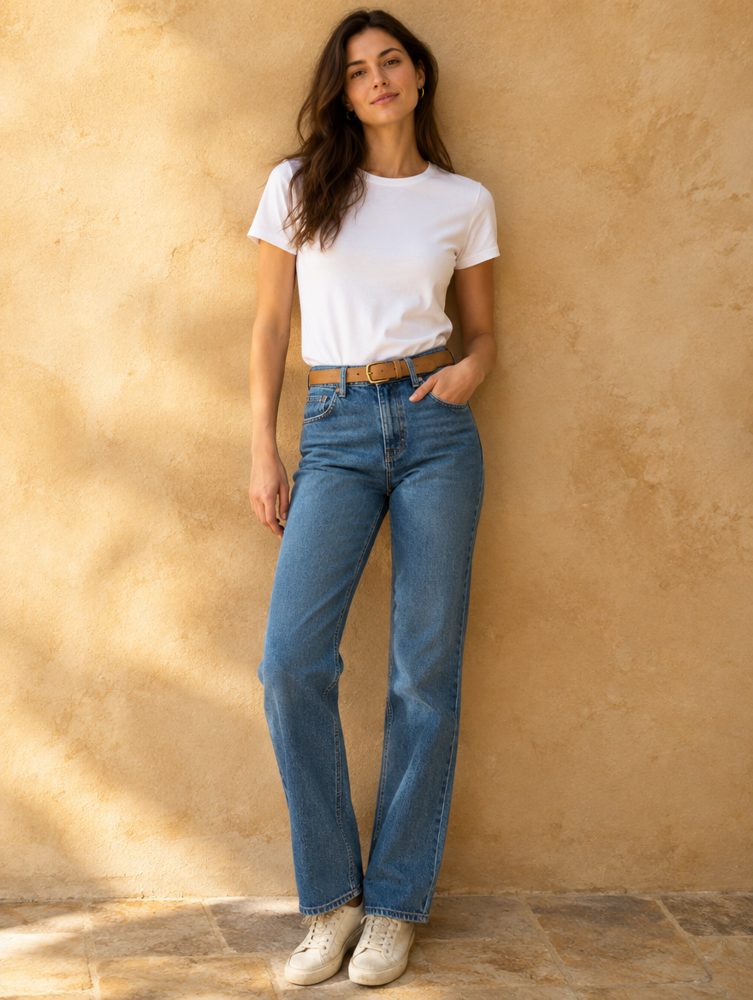
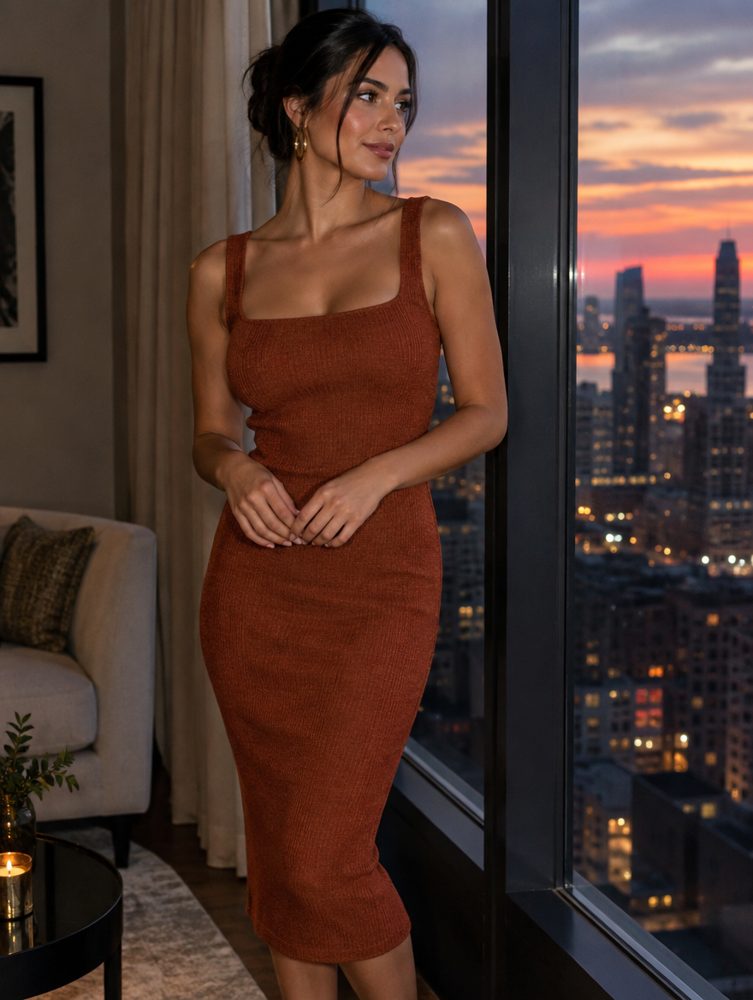
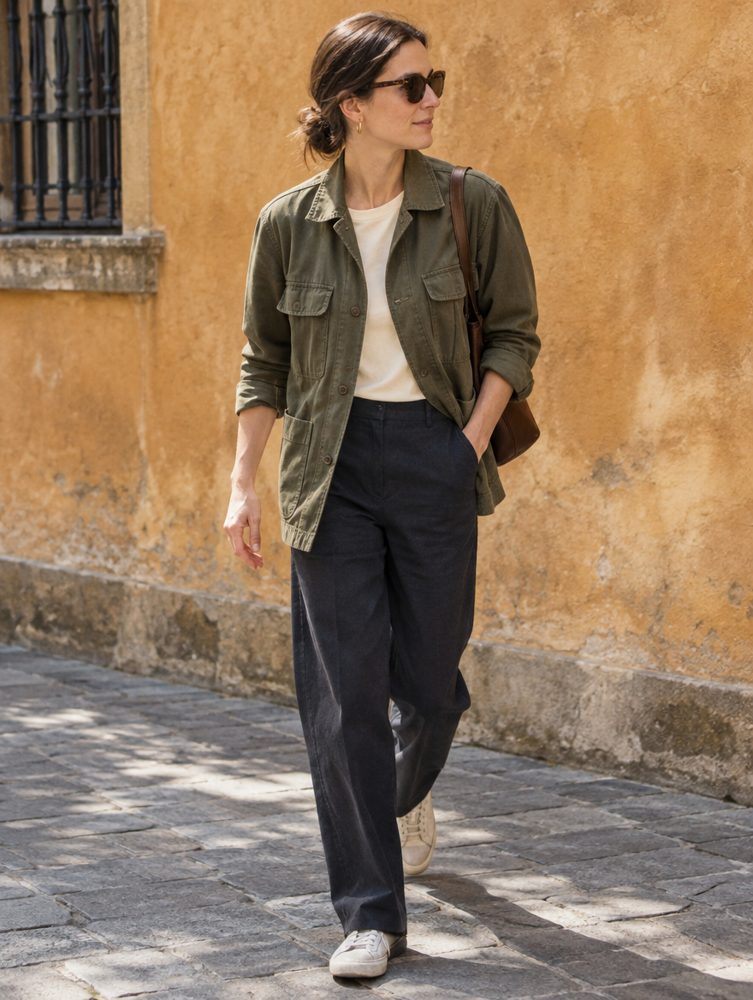
An assistant that has read your analysis.
Ask anything about your look. Ask Maxx answers from your scores, your plan and your preferences, and suggests looks you can open in Try On. It never sees your photos. What it knows and doesn’t.
Compared with yourself, not a stranger.
Retake the scan and slide between then and now. Deltas are measured against your own baseline, and anything inside the noise floor is reported as within noise.
- Cleared the noise floorBrow height evenness
- Within noiseSmile symmetry
- TrendingSkin redness, weekly checks
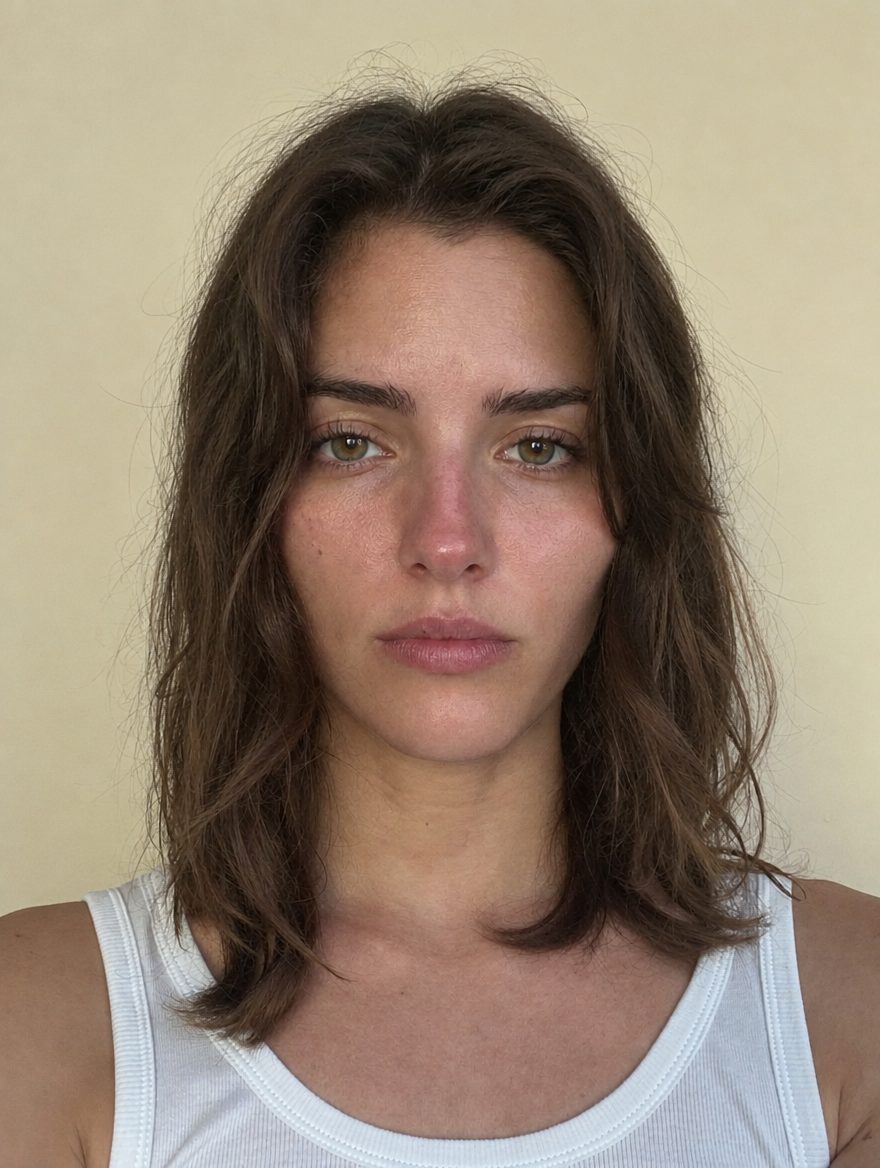 BaselineLatest scan
Start free. Go deeper when it’s worth it.
Your scan found where the biggest differences are. Membership shows you what to do about them, and keeps your plan moving week by week.
- Your first six-angle scan
- Your overall score, and your percentile once your reference group is large enough
- Nine areas, each with a one-line summary, and a score wherever one can be measured
- Browse Products, Style Inspiration and the Try On look catalog
- Your full analysis and area breakdowns
- Your top opportunities, with how-tos
- Your daily Maxx Plan
- Progress tracking and re-scans
- Try On renders on your own photo, once switched on
- Ask Maxx, your personal beauty assistant
Payment is handled by Apple. Renews automatically until cancelled. Cancel anytime from Settings.
We say what we can measure, and what we can’t.
Measured or compared, never blurred together
Some effects the instrument can measure: brow height, symmetry, skin redness. Others, like a haircut, it can only help you compare side by side. Every opportunity says which it is before you start.
Noise floors, out loud
Each test has a measured noise floor from repeated captures. A change smaller than that is reported as within noise. We never round a wobble up into a result.
Your data, your call
Biometric processing needs your explicit yes and can be withdrawn in Settings. Try On has its own separate consent. Ask Maxx never receives a photo. Delete everything from inside the app, or email us for a copy of your data.
Every score comes from measurements of your own photos against a reference group — a starting point for your plan, not a judgment of your worth. Try On images are AI renderings, always labeled. No human reviewer, and we tell you which effects we can measure and which we can only help you compare. Read how the scores are built.
What is MaxxLook?
MaxxLook is an iPhone app for personalized beauty analysis. You take six guided photos, and it measures your face, gives you an overall score and area scores, ranks the changes most worth testing, and builds a daily plan. You can browse hair, brow, makeup and beard looks in Try On, ask questions of an assistant called Ask Maxx, and re-scan to see what changed. Try On renders on your own photo are not switched on yet. Your first scan is free.
Is this a medical or dermatological assessment?
No. MaxxLook does not diagnose conditions and is not a substitute for a physician or dermatologist. It is an appearance-focused measurement and planning tool for adults 18 and older.
Do I get a score?
Yes: an overall score from 0 to 100 and a score for each area it can measure (up to nine), built from 170+ measurements of your photos against a reference range for your age range, sex and ethnicity. Your percentile appears only when at least 30 comparable analyses exist. Areas we can’t score from a photo yet, like hair and makeup, and skin for now, stay unscored rather than guessed. A score is a reading of your photos, not a judgment of your worth, and each one comes with what drives it and what to try first.
Where do the reference ranges come from?
The same pipeline that measures your photos was run over a large openly licensed face-image corpus (FairFace, CC BY 4.0), keeping only near-frontal faces, to build each demographic group’s distribution. Skin and smile measurements stay exact-value-only until baselines exist under controlled capture conditions. The full derivation is on the transparency page.
What happens to my photos and data?
Analysis photos are encrypted in transit and at rest and kept as the privacy policy describes. Weekly skin-check photos are measured in memory and discarded. You can withdraw consent or delete your account from inside the app at any time, and the privacy policy explains how to request a copy of your data.
What does Try On do with my photo?
Nothing yet: renders on your own photo are not switched on, so Try On sends no photo today. Once they are, Try On will send your front photo to our image-generation provider only after you give it a separate yes inside the app. Every result will be an AI rendering, labeled in the app as a rendering, limited per day and deletable from Settings. The privacy policy names the provider and what it receives. More on the Try On page.
What does Ask Maxx know about me?
Ask Maxx is the in-app assistant. It reads your scores, your plan, your stated goals and preferences, and your recent chat turns so its answers are grounded in your own analysis. It never receives your photos, your age, your gender or your ethnicity. More on the Ask Maxx page.
What do I get for free?
Your first six-angle scan and the Analysis overview: your overall score, your percentile when enough comparable analyses exist, and area scores with a one-line summary each. A rejected or failed photo set doesn’t use up the free scan. Browsing Products, Style Inspiration and the Try On look catalog is free too.
What does membership include, and what does it cost?
Membership is $9.99 a month and unlocks the full analysis and area breakdowns, your ranked opportunities with how-tos, your daily Maxx Plan, Progress with before-and-after comparisons, new scans, and Ask Maxx. Try On renders on your own photo join membership once they are switched on. Payment is handled by Apple. Renews automatically until cancelled. Cancel anytime from Settings. See pricing for the full comparison.
Find out what could make the biggest difference.
iPhone · adults 18+ · membership $9.99/month, cancel anytime